
Free · No sign up
Halloween Photo Booth Online
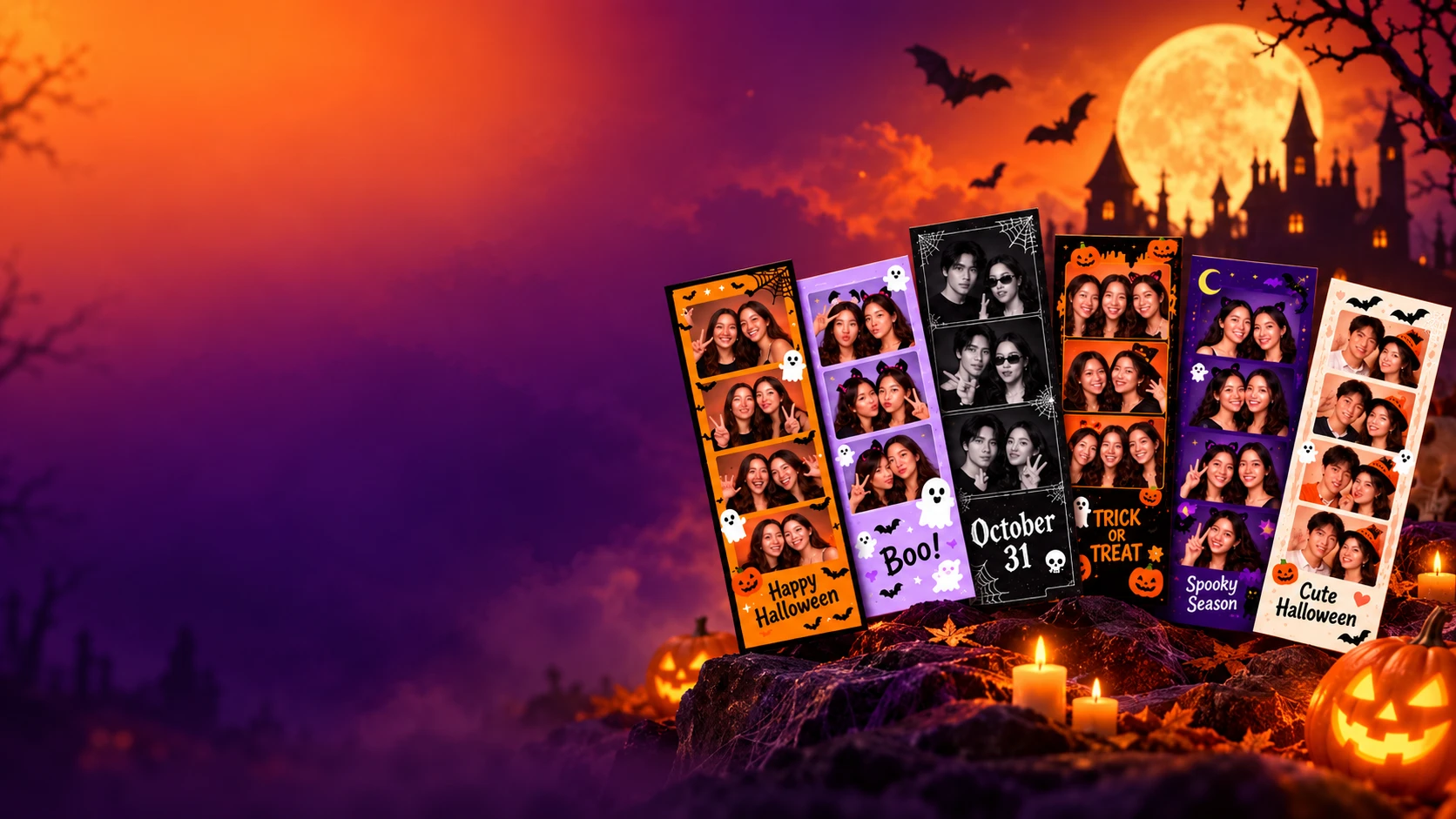
Make your own Halloween photo strip online with spooky templates, frames, filters, stickers, and backgrounds. Free, fast, and easy to use.
Start Halloween Photo BoothHalloween Photo Booth Templates
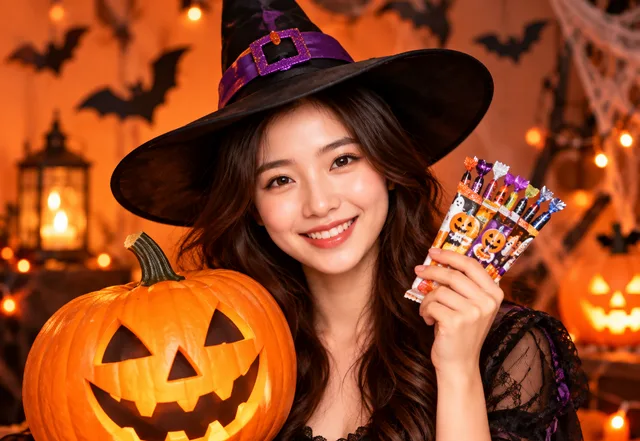
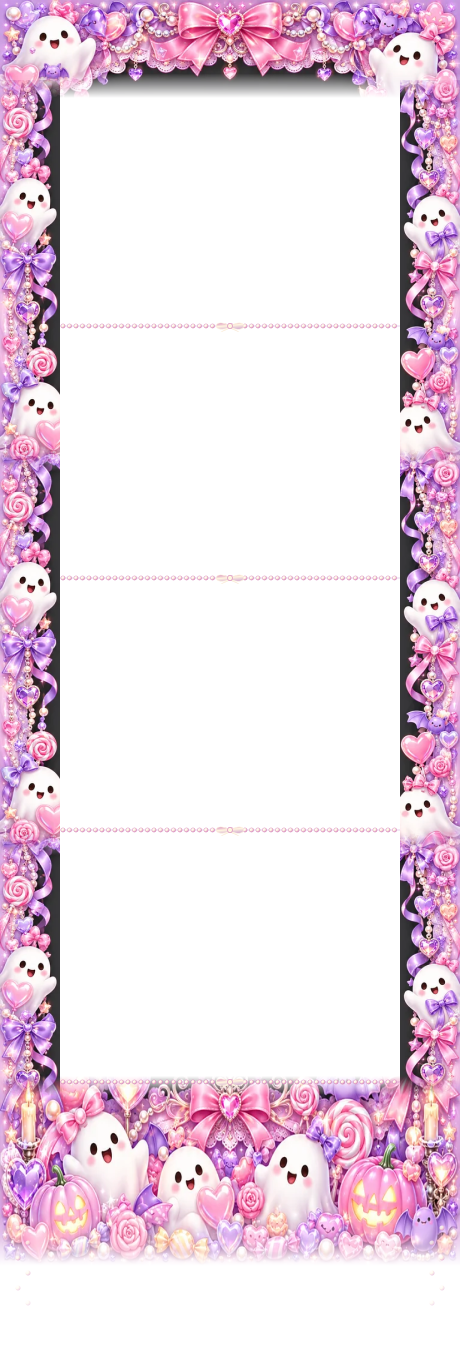
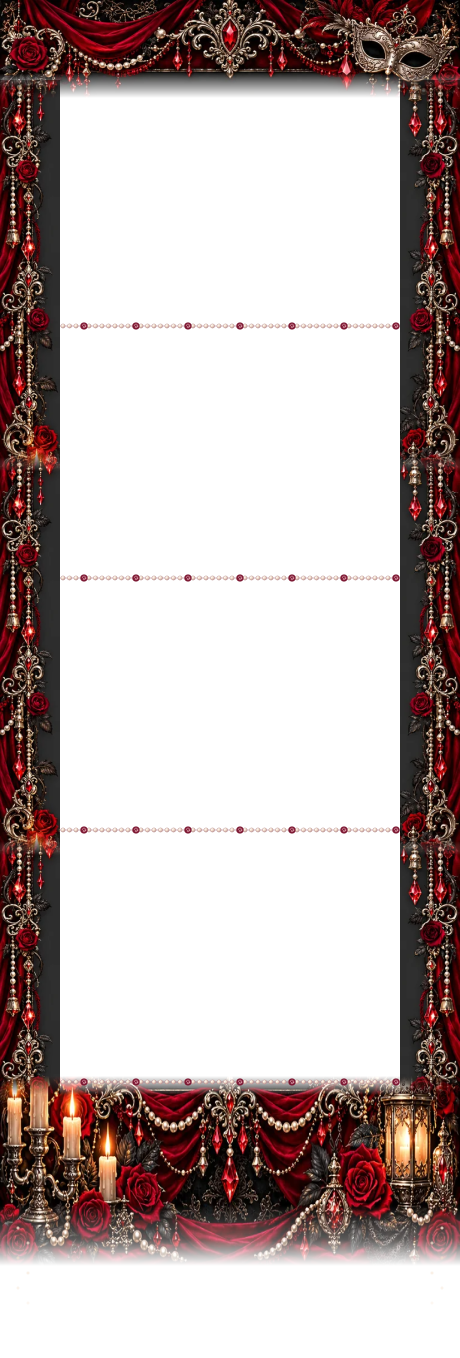
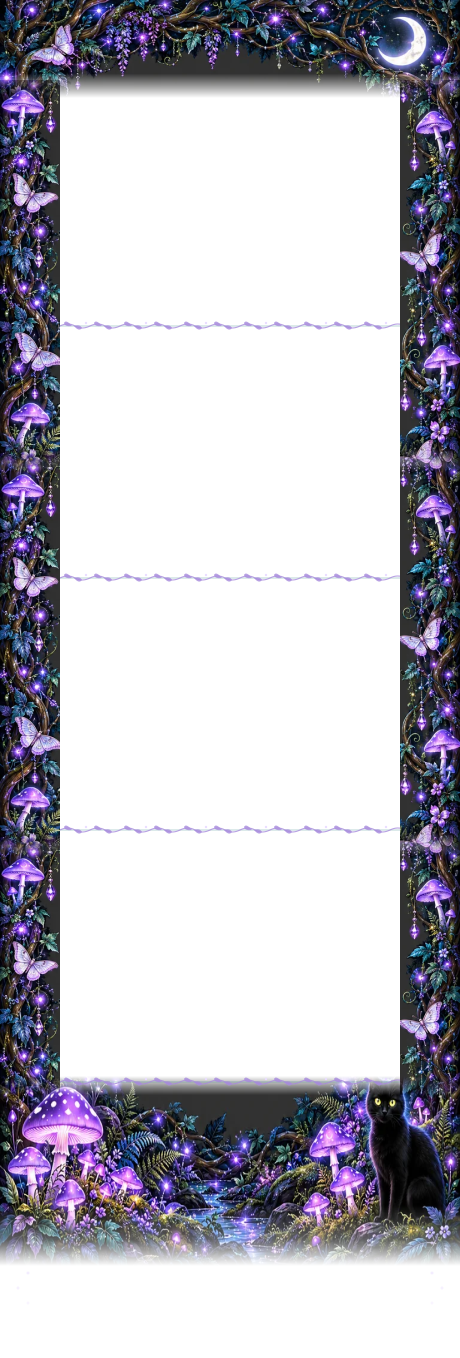
Explore Halloween photo booth templates inspired by pumpkins, ghosts, gothic nights, trick or treat, and other seasonal themes. Each style combines Halloween frames, backgrounds, filters, stickers, and text to give your photo strip a ready made festive look. Swipe through the styles, pick your favorite, shoot your photos in the layout you want, then customize the details before downloading your finished Halloween photo strip.
- Pumpkin Parade
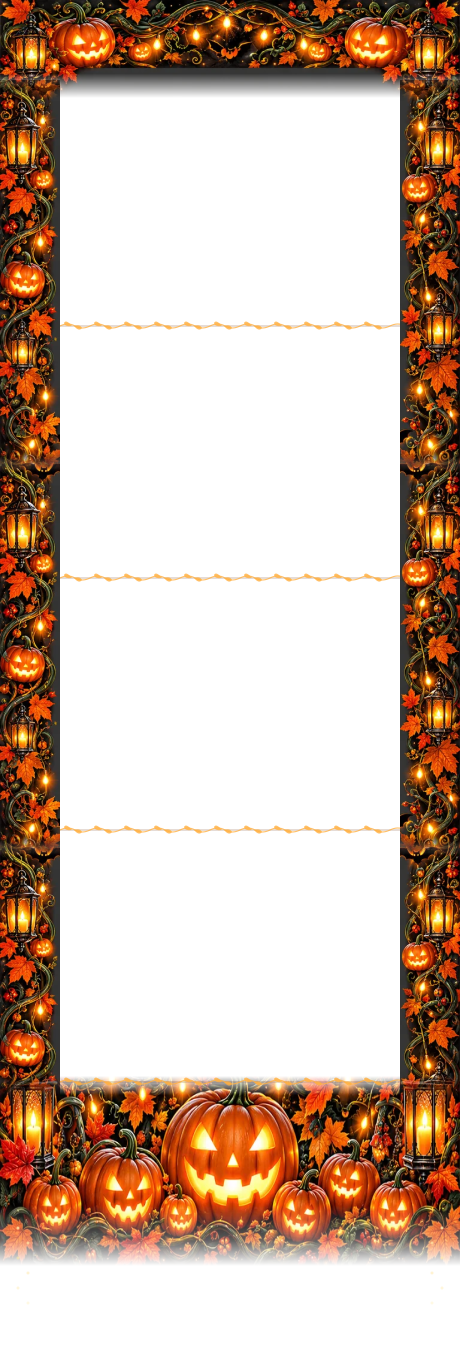
- Haunted Mansion
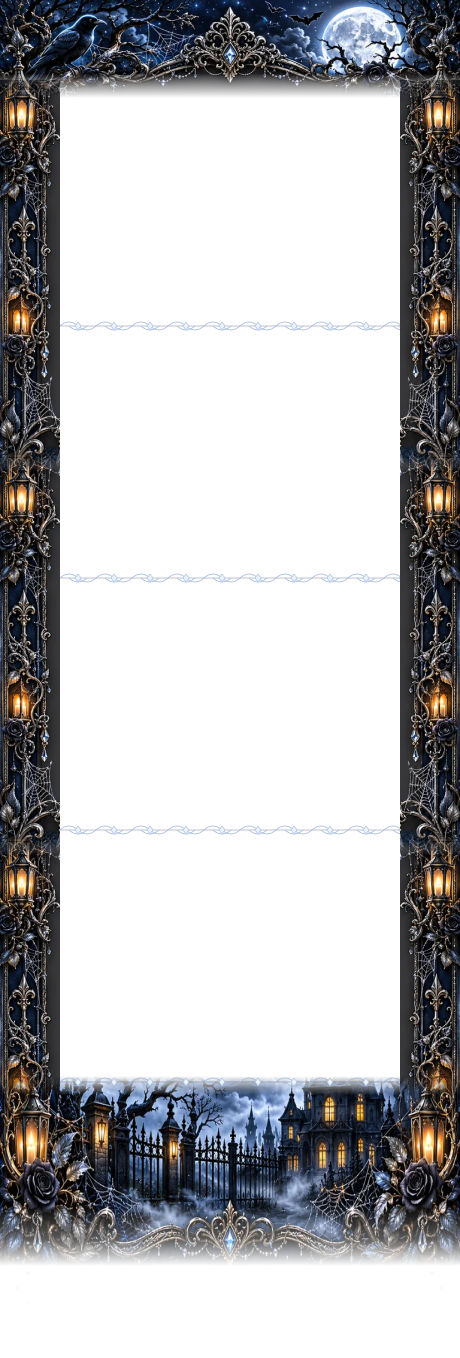
- Poison Pop
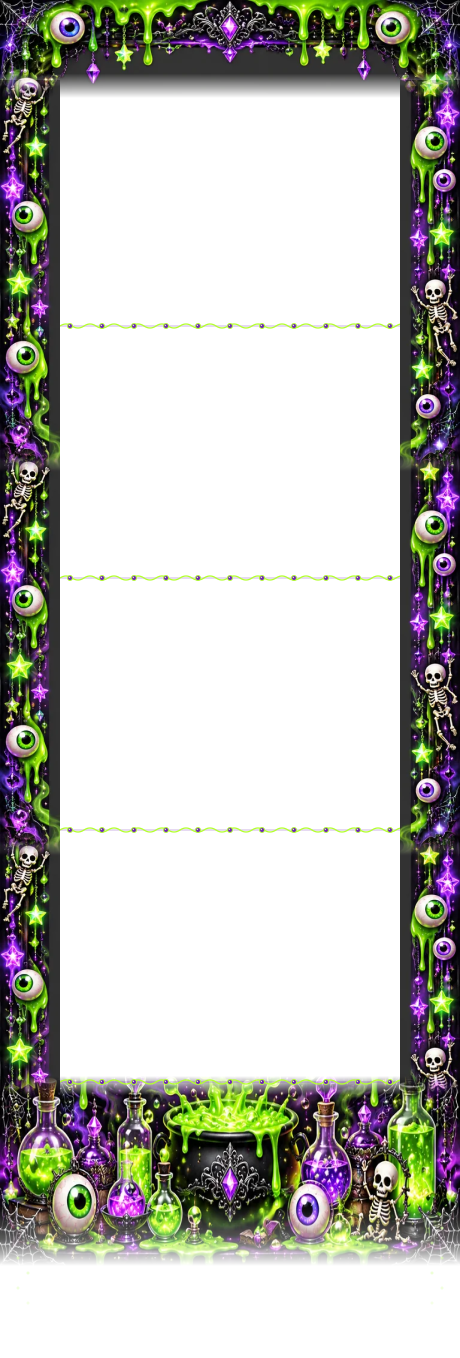
- Boo-tiful Party
- Vampire Masquerade
- Enchanted Forest
- Pumpkin Orange

- Ghost Party

- Gothic Night

- Trick or Treat

- Purple Night

- Cute Halloween

- Creepy Carnival

- Witch's Apothecary

- Copper Moon

- Dark Romance

- Neon Scream

Create Your Halloween Photo Strip in 4 Easy Steps
Turn four quick snapshots into a Halloween photo strip you can customize and download right in your browser.
- 1
Choose a Halloween Style
Pick a Halloween photo booth template with the colors, frames, and decorations you like.
- 2
Take Your Photos
Use your camera to take photos directly in your browser. Try different expressions, poses, or costumes for every shot.
- 3
Customize Your Photo Strip
Personalize your Halloween photo strip with frames, backgrounds, filters, stickers, and text.
- 4
Download and Share
Download your finished photo strip and save it for your Halloween party, costume night, or social posts.
Make Your Halloween Photo Strip Your Own
Give every photo strip a spooky seasonal look with Halloween frames, backgrounds, filters, stickers, and custom text. Mix and match decorations to create anything from playful pumpkin styles to dark gothic designs.
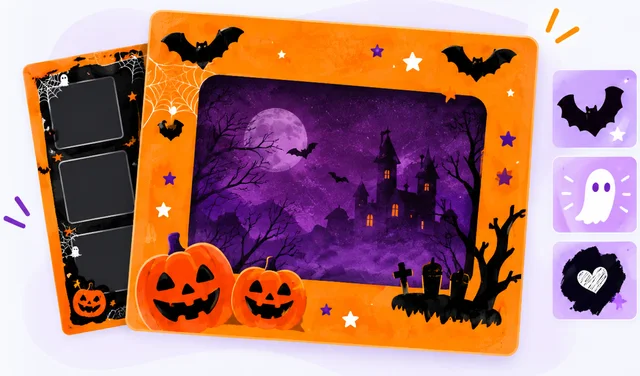
Halloween Frames
Finish your photo strip with orange, black, purple, ghost, pumpkin, or spider web inspired frames.
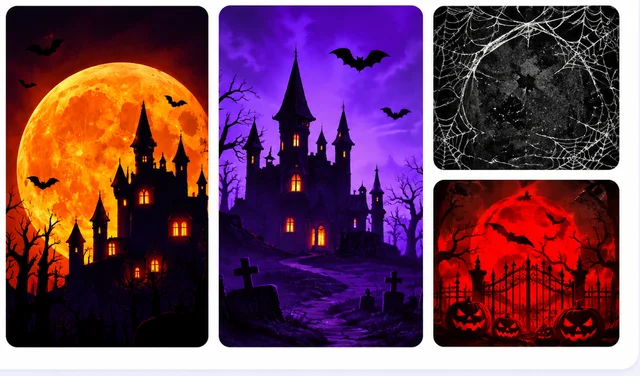
Halloween Backgrounds
Choose seasonal colors and patterns such as pumpkin orange, midnight black, witch purple, deep red, and soft ghost white.
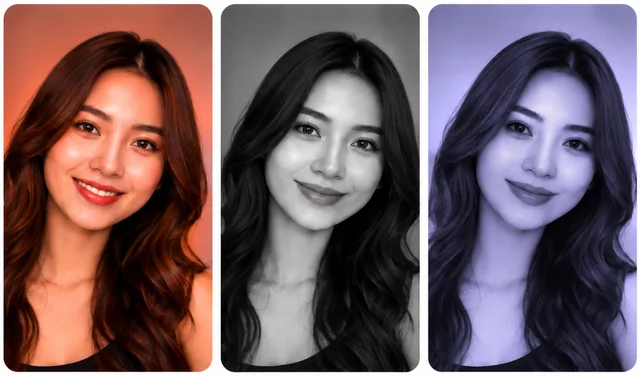
Halloween Filters
Change the mood of your photos with warm tones, black and white, vintage looks, darker effects, and other Halloween photo filters.
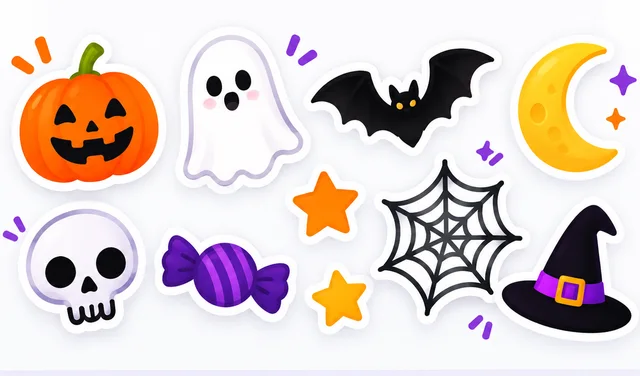
Halloween Stickers
Decorate your strip with pumpkins, ghosts, bats, spider webs, skulls, moons, stars, candy, and other Halloween icons.
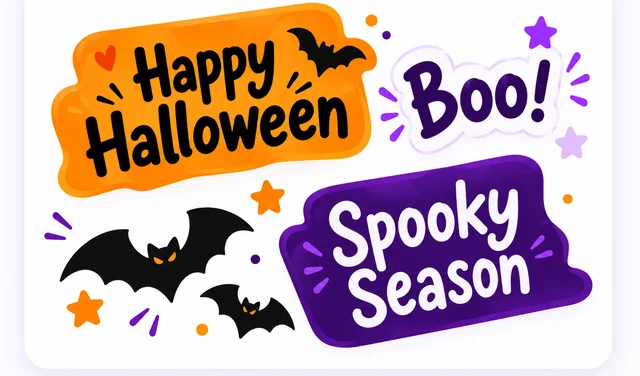
Custom Text
Add messages such as “Happy Halloween,” “Trick or Treat,” “Boo!,” “Spooky Season,” or your own Halloween caption.
Halloween Photo Booth Ideas and Poses
Need inspiration before the camera starts? Try these easy Halloween photo booth poses with friends, your partner, or your favorite costume.
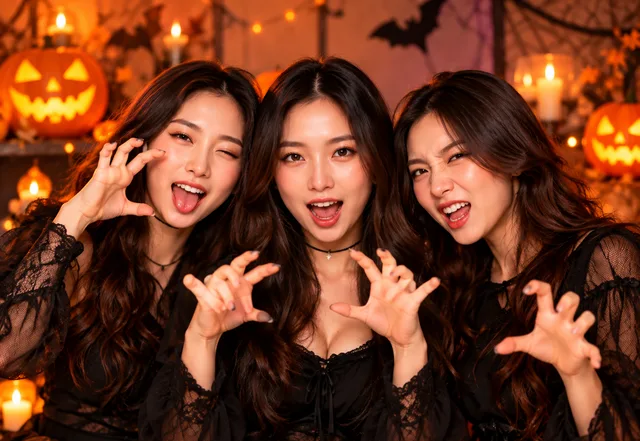
Scary Face Challenge
Take four shots with a different spooky expression in every frame.
Ghost Pose
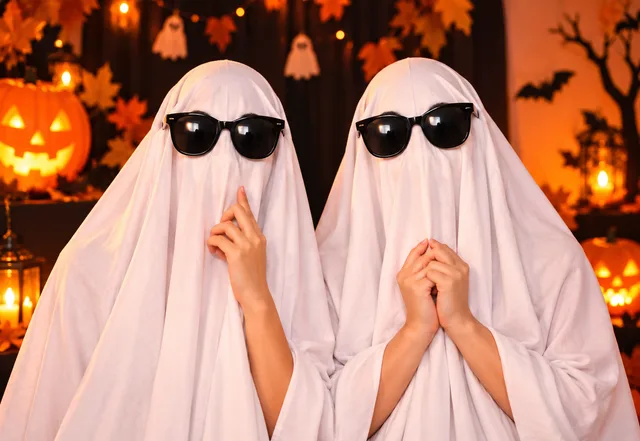
Use a white sheet or ghost costume and switch up your pose for each photo.
Costume Showoff
Use the four shots to highlight different details, expressions, and poses from your Halloween costume.
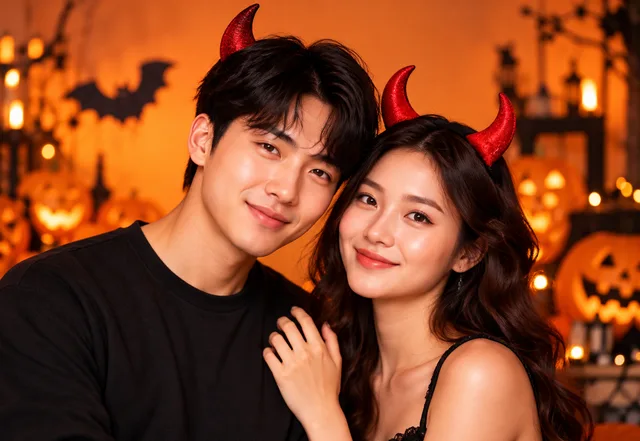
Couple Halloween Pose
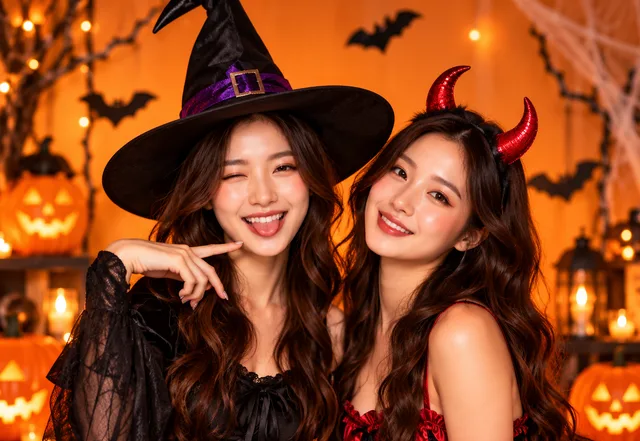
Match costumes, copy each other’s expressions, or create four playful poses together.

Four Face Challenge
Try scary, surprised, silly, and serious expressions across your four photo booth shots.
Trick or Treat Pose
Grab candy, pumpkins, masks, or simple Halloween props and make each frame different.
Frequently Asked Questions
Is the Halloween photo booth free to use?+
Yes. You can take photos, customize your Halloween photo strip, and download the finished result online.
Do I need to download an app?+
No. The Halloween photo booth works directly in your browser, so you can start from your phone, tablet, or computer.
Can I use the Halloween photo booth on my phone?+
Yes. You can open the photo booth in your mobile browser, allow camera access, take your photos, customize the strip, and download it to your device.
Can I customize my Halloween photo strip?+
Yes. You can personalize your photo strip with Halloween frames, backgrounds, filters, stickers, and text.
How many photos can I add to a Halloween photo strip?+
You can choose from 2, 3, 4, 6, or 9 photo layouts. Pick a shorter layout for a simple photo strip or use 6 or 9 photos when you want more poses, expressions, and costume shots.
Can I use my own Halloween text?+
Yes. Add your own message, name, event title, or Halloween caption during customization.
Can I use it for a Halloween party?+
Yes. It works well for Halloween parties, costume parties, school events, office celebrations, family activities, and small gatherings.
Can I download my Halloween photo strip?+
Yes. After you finish customizing your photos, you can download the completed Halloween photo strip to your device.
What Halloween decorations can I add?+
Available decorations can include pumpkins, ghosts, bats, spider webs, skulls, moons, stars, candy, seasonal frames, backgrounds, and themed text.
Ready to Create Your Halloween Photo Strip?
Choose a 2, 3, 4, 6, or 9 photo layout, capture your favorite Halloween moments, add themed frames, backgrounds, stickers, filters, and text, then download your finished photo strip.
Start Halloween Photo BoothFree to use · No app required · No sign up · Instant download